Search or Convert button
The button adapts to your input: keywords show Search, a recognised link shows Convert. Its label tells you how your entry was read.
By using our service you accept our Terms of Use and Privacy Policy
With YTMP3, you can convert YouTube videos to MP3 directly in your browser without installing additional software. Its simple interface brings together the tools you need to find, convert, and download the content you're looking for from any device.
YTMP3 is a browser-based YouTube downloader that supports MP3, MP4, and other common formats. It works directly in your browser, so there is nothing to install. Paste the URL of a public YouTube video into the search box, select the audio or video option you want, and follow the result to save the file.
Whether you want to keep a song for offline listening, save a tutorial for later, or convert a video to audio, the same simple process works on desktop and mobile. You can choose the quality that fits your device, from lightweight files for phones to high-definition video for larger screens.
YTMP3 lets you download MP3 audio at up to 320 kbps and videos in different resolutions, from 360p and 720p to 1080p and 4K, whenever supported by the original content. This allows you to choose the quality that best suits your needs.
Higher-quality files usually take up more storage space, while lower resolutions help save data and storage on your device. The final quality always depends on the original file.
The button adapts to your input: keywords show Search, a recognised link shows Convert. Its label tells you how your entry was read.
Play a result to confirm it is the recording you want. A live version and a studio take can share a title but sound very different.
Use your browser's download list to find saved files. A finished conversion is not the same as a finished transfer.
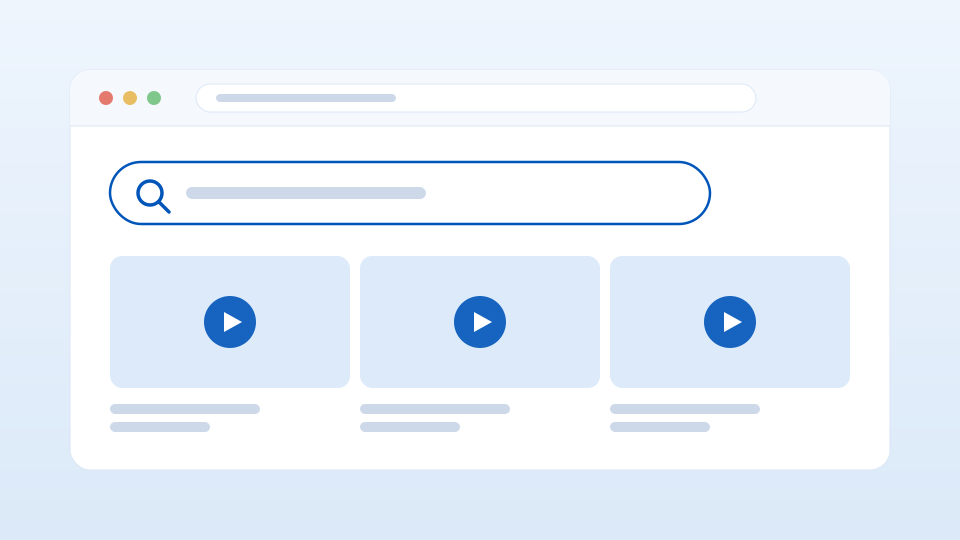
Go to YouTube.com and find the video you want to download.
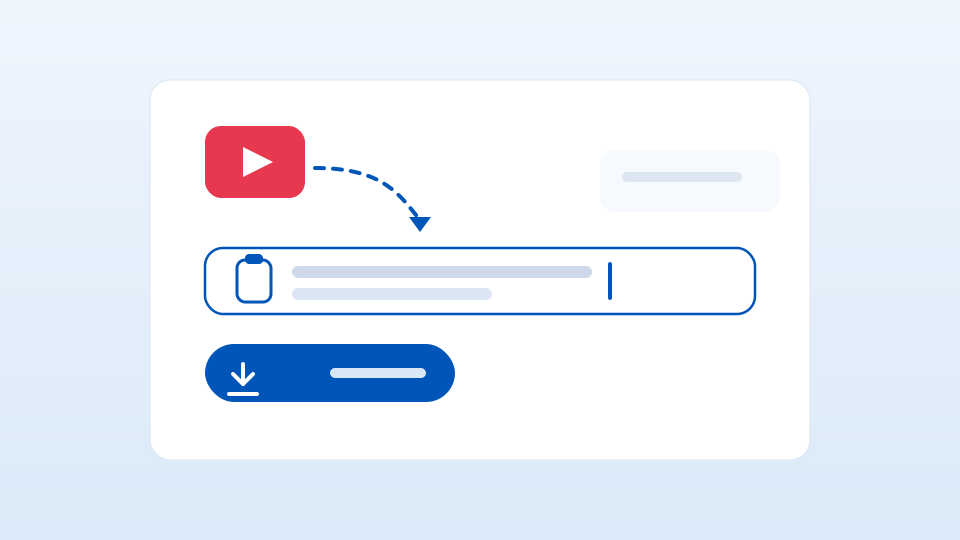
Copy the video link and paste it into our converter above.
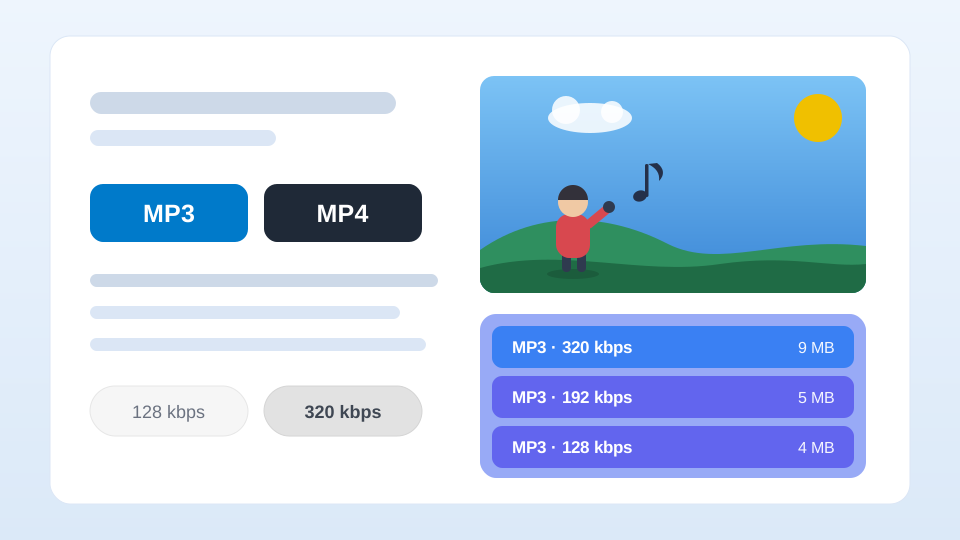
Select one of the results and click «Download» to save the file, or «Play» to listen to a preview before downloading it.
For a focused start, search from the box at the top. Questions about file handling and everyday downloads are answered in our FAQ.
Downloading safely starts with the source. Check where a file comes from and use trusted links before you save anything, so you can reduce the risk of malware or corrupted files.
Avoid unknown or suspicious links that could put your data or your device at risk, and keep your browser and operating system up to date to stay protected against new online threats.
Reliable security software can also scan and block potentially dangerous downloads. Following these habits makes converting and downloading YouTube music to MP3 safer and more predictable.
YTMP3 is an online tool that lets you download YouTube videos as MP3 or MP4. Copy the video URL, paste it into the search box, choose your preferred format and quality, and download the file.
Yes. You can download videos and convert YouTube to MP3 without paying, without registering, and without a subscription.
No. YTMP3 runs in your web browser, so there is no app or software to install.
It is saved automatically to your device's download location.
A video may be unavailable if it is private, removed, age-restricted, region-blocked, a live stream, or otherwise inaccessible.
Not always. A higher bitrate can improve sound, but it cannot fix a file whose original quality is already low.
